ChatGPT Training Perth
Put ChatGPT to work.
Private, hands-on ChatGPT training, delivered in person in Perth. Built for teams using ChatGPT or a ChatGPT Business workspace who want to organise context, analyse real material and reuse what works.
- Duration
- 4 hours
- Group size
- Up to 10 people
- Price
- $3,000 + GST
Starts with a free 30-minute call about your team and workflows.
Get more from the ChatGPT your team already uses.
Most teams use ChatGPT for one-off questions and email rewrites, starting from a blank chat each time.
The bigger gain comes from keeping the right context in one place, checking its analysis properly and repeating the workflows that produce good results.
Set up properly, ChatGPT can help your team:
- ✓Analyse spreadsheet exports and summarise what changed
- ✓Draft client communications in a consistent format and tone
- ✓Prepare recurring summaries for management
- ✓Organise reference files and instructions so context isn’t re-explained
- ✓Identify work that should be automated entirely
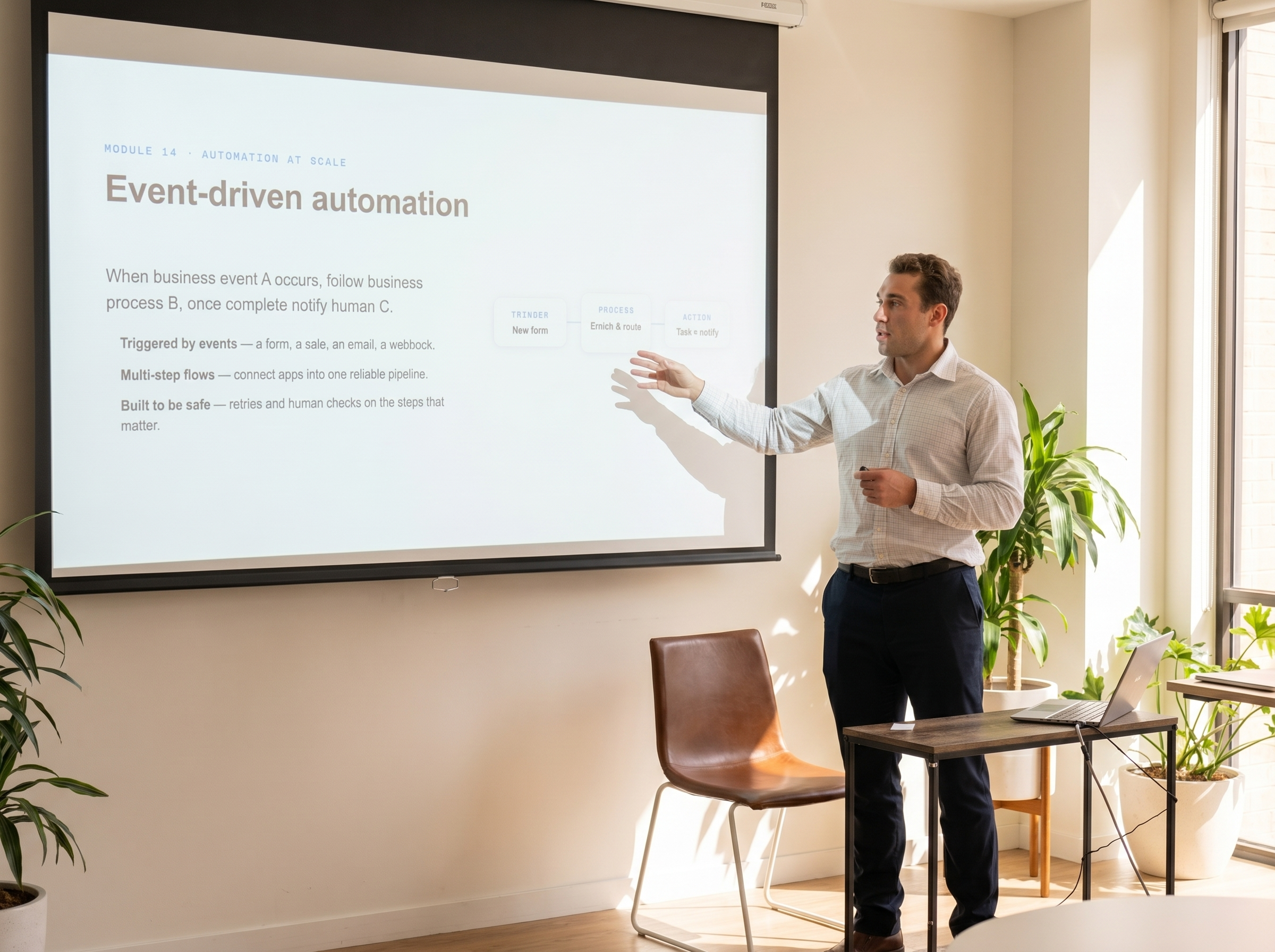
What your team does in the ChatGPT workshop
Each ChatGPT feature does a different job:Projects keep the files, instructions and chats for one workflow togetherData analysis works through spreadsheets and files you upload, with results you can checkScheduled tasks run a prompt on a timetable, such as a weekly summaryConnected apps bring in information from tools your admin has approved
- 1
Organise the context in a Project
Participants set up a Project for the workflow, add the templates, reference files and instructions it needs, and keep related chats together so nobody has to re-explain the job.
- 2
Analyse the source material
The team uploads a spreadsheet or document set from the scoping example and uses ChatGPT to summarise trends, check totals and build tables or charts, then verifies the results against the original.
- 3
Draft the output in your format
Participants turn the analysis into the email, summary or document the business actually sends, using your templates, structure and tone.
- 4
Make the workflow repeatable
We write the working instructions into the Project so the next run starts from the same standard and produces consistent results.
- 5
Schedule and connect, where enabled
Where your workspace admin has enabled them, we connect ChatGPT to the tools your team already uses through ready-made apps, such as SharePoint, Google Drive and HubSpot. That way the workflow pulls in live information. We then set up a scheduled task to prepare a recurring output, and agree which workflows to build out next.
The worked example comes from the scoping call, typically a recurring analysis or client output. Feature availability depends on your ChatGPT plan and workspace settings, which we confirm during scoping.
How the training works
- 1
1-hour scoping call
Before the workshop we meet for an hour to find the processes and workflows your team runs. These become the worked examples on the day.
- 2
4-hour hands-on workshop
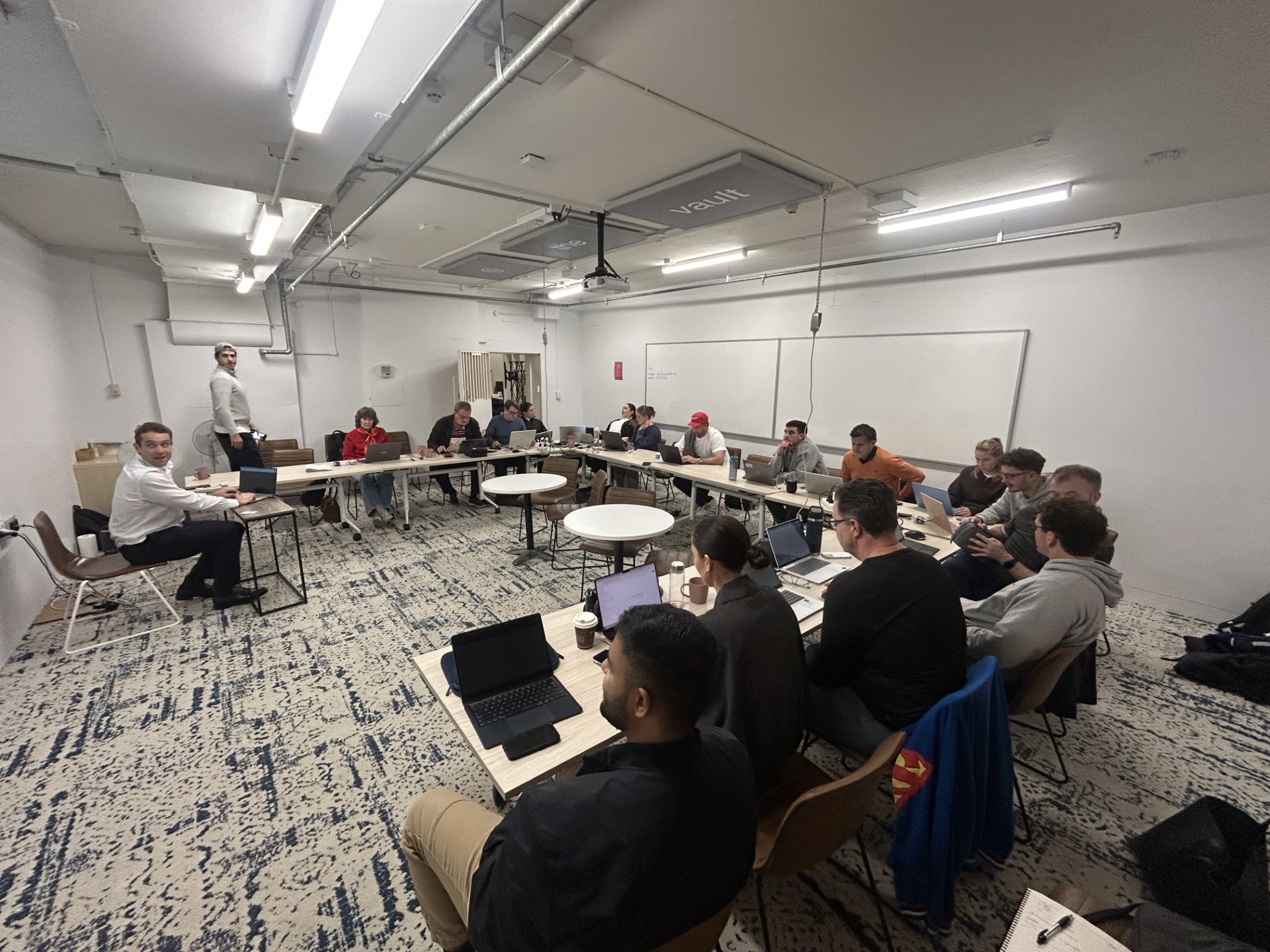
In person in Perth. Your team works through those examples and we build them out further together, so people leave with workflows they have already used.
- 3
Two follow-ups
We follow up twice after the workshop to see how the team is going, answer questions and help with anything that has stalled.
Custom integrations with your other business systems are not part of the workshop. If one looks worthwhile, we scope it separately.
What your team needs
- A paid ChatGPT plan for each participant, ideally in a shared ChatGPT Business or Enterprise workspace
- A laptop for each participant, signed in to ChatGPT
- Sample spreadsheets or documents for the agreed workflows that you are comfortable using under your workspace’s data settings
- Admin approval for any connected apps or scheduled tasks you want to try
- No coding experience is needed
How outputs are checked
- Analysis results are checked against the original spreadsheet totals and source files
- Drafts are reviewed for accuracy, tone and anything ChatGPT has assumed
- Each workflow ends with a review step owned by someone on your team
- We cover what should not go into AI tools under your confidentiality requirements
Private Company Workshop
$3,000 + GST
Includes:
- ✓Up to 10 attendees
- ✓4-hour private workshop, in person in Perth
- ✓1-hour scoping call to choose your workflows
- ✓Practical exercises using your own workflows
- ✓AI opportunity identification
- ✓Workflow toolkit: reusable prompt frameworks, workflow templates, AI opportunity scorecards and responsible AI checklists
- ✓Two follow-ups after the workshop
Need ChatGPT connected to your other systems?
ChatGPT connects to many business tools out of the box. Ready-made apps are available for SharePoint, Google Drive, HubSpot and QuickBooks, among many others, and your workspace admin controls which ones your team can use.
Some of the best opportunities sit in systems without a ready-made app. G3 Digital can separately design and build custom connectors between ChatGPT and systems such as:
Custom integrations are scoped separately.
The workshop helps identify where that deeper automation actually makes commercial sense.
Examples: JobAdder for Peloton Workready · Strata Master and GetReal for a strata manager
See our custom AI development work →Frequently asked questions
Do you offer ChatGPT training in Perth?
Yes. Our ChatGPT workshops are private sessions for your team, delivered in person in Perth.
How much does the workshop cost, and how many people can attend?
$3,000 + GST for a four-hour workshop with up to 10 people. That includes a 1-hour scoping call beforehand and two follow-ups afterwards. Please enquire about larger groups.
Do we need technical or AI experience?
No. We tailor the session to your team’s experience, whether they’re new to ChatGPT or already using it daily. No coding knowledge is required.
What business tasks can we use ChatGPT for?
Drafting client communications, preparing reports, analysing spreadsheets and reviewing documents. We also help your team set up Projects and reusable instructions around recurring work.
We have custom GPTs. Will you cover them?
OpenAI is changing how custom GPTs work, so we focus on approaches your workspace currently supports and show how to move existing instructions across where needed. We confirm what your plan includes during the scoping call.
Do you cover privacy and sensitive business information?
Yes. We cover appropriate data sharing, account and workspace settings, connected-tool permissions and checking AI outputs before using them.
Will you connect ChatGPT to our other systems?
The workshop uses the connected apps your workspace already supports. Custom integrations with your other business systems are not part of the workshop. If one looks worthwhile, we scope it separately.
Should we choose ChatGPT, Claude or Microsoft Copilot training?
Start with the tools your team already has. If most of your work happens in Microsoft 365 and you have Copilot licences, Copilot Training may suit better. If you are unsure, compare the options on our AI workshops page or ask us on a call.
What support is available after the workshop?
We follow up twice after the workshop to see how your team is going and help with anything that has stalled. Your team also keeps the workflows and resources from the day.
What industries do the workshops cater for?
We primarily work with mining and resources, manufacturing and distribution, construction and property, and professional services (Finance and Legal). Each workshop is tailored to your team’s workflows. If your industry isn’t listed, get in touch.
Do you run AI training for construction and trades businesses?
Yes. For construction and trades teams we usually work on quotes and tenders, site and progress reports, supplier invoices and project documents. We have also built invoice automation for Netelec, an electrical supplier to the construction industry, so we know where these workflows get stuck.
Do you run AI training for mining and resources companies?
Yes, for teams based in Perth. Typical exercises include procedures and safety documents, contractor and tender paperwork, and the reports and spreadsheets behind them. Training is delivered in person in Perth. We have also delivered AI projects in oil and gas.
Do you run AI training for property and strata businesses?
Yes. Property and strata teams spend a lot of time answering owner and tenant questions, chasing jobs and tradespeople, and processing invoices, so we use those workflows as exercises. We have also built an AI integration that lets a strata manager ask questions across its strata and job systems.
Explore our other workshops

Claude Training
A private, hands-on Claude workshop for your team. We use your own workflows to build reusable Projects, Skills and prompts your team can keep using.
Copilot Training
A 30-day Microsoft 365 Copilot programme: find the highest-value use cases, build three custom Copilot Studio agents or workflows for your team, run a hands-on workshop around them and check adoption.